• Home
  • Robotics
  • 3D Printing
  • Web
  • Microcontrollers
  • Frameworks
  • Protocols
  • Other
  • Explore knowledge
  • Loading graph.
    Depth
    …
    … visible
  • Home
  • Robotics
  • 3D Printing
  • Web
  • Microcontrollers
  • Frameworks
  • Protocols
  • Other
Tools
    Pages
    • Microcontrollers
      • ESP32
        • C3 Dev Kit M1
        • Datasheets
        • Debug
        • ESP-Mesh
        • ESP-Now
        • ESP32 C3 DevKit M1
        • ESP32 D1 Mini
        • ESP32-C3 0.42 Oled
        • FireBeetle
        • M5 Atom Lite
        • M5 Stick C Plus
        • m5 stick V
        • Round Display
        • S2 Saola 1
        • Software
        • Thermostat Control
        • Timer Cam OV3660
        • TTGO T-Display
        • TTGO T5-EPaper
        • Wall Display
        • Waveshare S3 3.5 Inch display
      • nRF52
        • nRF52832 UART dongle
        • nRF52840 USB dongle
        • Simple Mesh SensorTag
        • Thread SensorTag
        • Trick Tracker
        • UWB DWM1001 dev
        • UWB DWM3001 cdk
      • nRF53
        • thingy53
      • Risc-V
      • STM32
        • Black Pill
        • Blue Pill
        • Dev EBox F407
    Pages
    • Microcontrollers
      • ESP32
        • C3 Dev Kit M1
        • Datasheets
        • Debug
        • ESP-Mesh
        • ESP-Now
        • ESP32 C3 DevKit M1
        • ESP32 D1 Mini
        • ESP32-C3 0.42 Oled
        • FireBeetle
        • M5 Atom Lite
        • M5 Stick C Plus
        • m5 stick V
        • Round Display
        • S2 Saola 1
        • Software
        • Thermostat Control
        • Timer Cam OV3660
        • TTGO T-Display
        • TTGO T5-EPaper
        • Wall Display
        • Waveshare S3 3.5 Inch display
      • nRF52
        • nRF52832 UART dongle
        • nRF52840 USB dongle
        • Simple Mesh SensorTag
        • Thread SensorTag
        • Trick Tracker
        • UWB DWM1001 dev
        • UWB DWM3001 cdk
      • nRF53
        • thingy53
      • Risc-V
      • STM32
        • Black Pill
        • Blue Pill
        • Dev EBox F407
    Home/Microcontrollers/nRF52/usb_dongle
    Metadata
    description
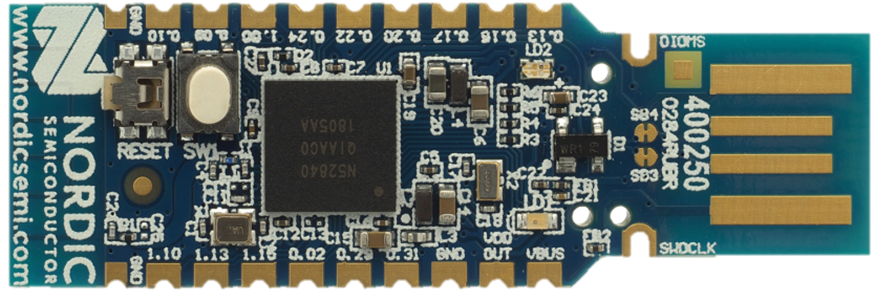
    Nordic's official dev kit PCA10059 in a form of a usb dongle for the nRF52840
    date
    2021-02-14
    tags
    nRF52840, USB
    features
    [{"board codename":"PCA10056"},"nRF52840","ARM M4 64 MHz","ROM 1024 KB, RAM 256 KB","Bluetooth 5, Mesh","802.15.4, Thread, Zigbee","USB 2"]
    Product Page
    image-nrf_usb_dongle.png
    ×
    • nRF52840
    • ARM M4 64 MHz

    • ROM 1024 KB, RAM 256 KB

    • Bluetooth 5, Mesh

    • 802.15.4, Thread, Zigbee

    • USB 2

    Applications

    • custom mesh coordinator

    nRF52840 Dongle

    Pinout

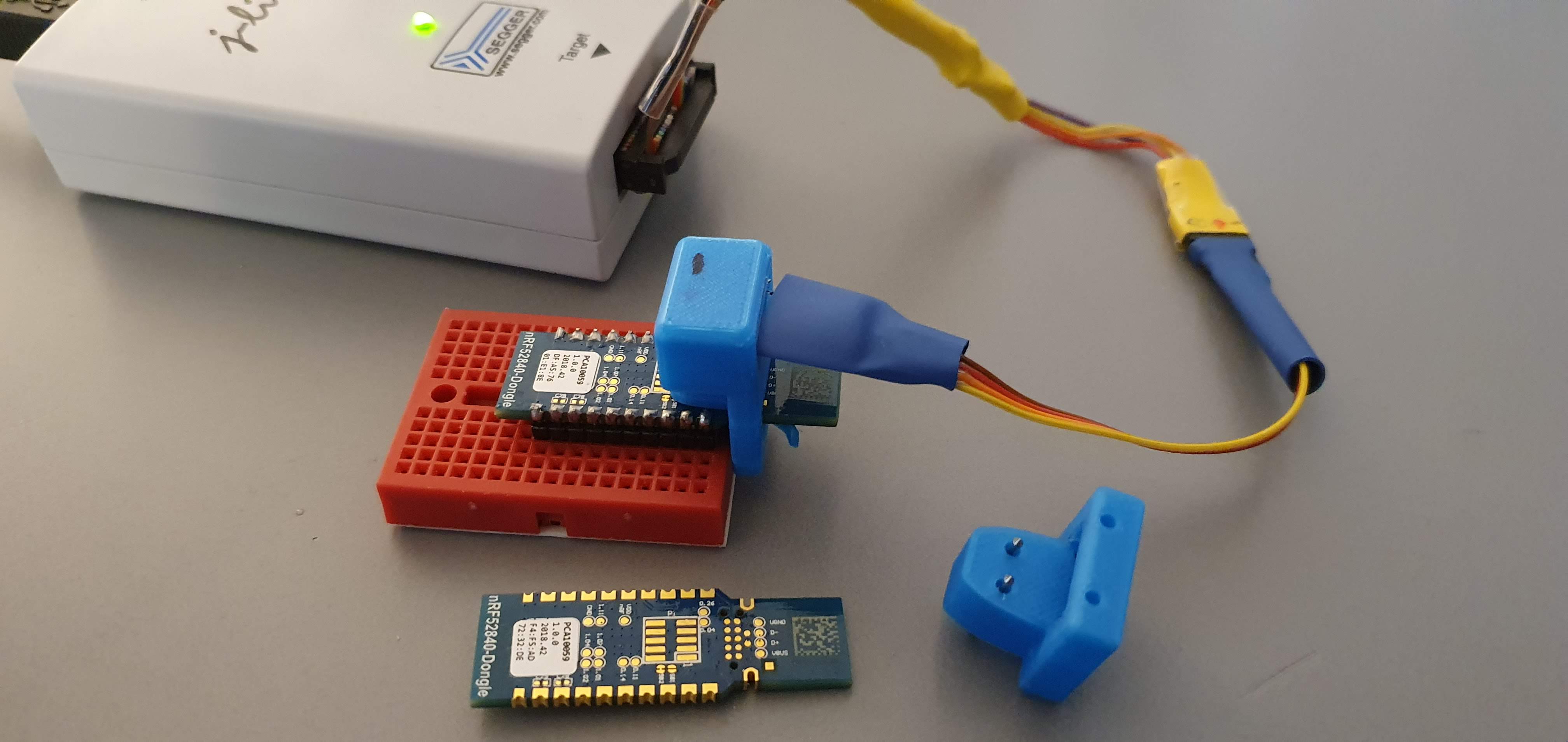
    Serial Wire Debug

    • the usb dongle is referred to as PCA10059 which in projects usually shifts the app to offset 0x1000 as openbootloader usage is expected

    • With serial wire debug, it's possible to flash applications at same address as the PCA10056 which is at address 0x0000

    Serial Wier Debug

    LEDS

    • LED1 Green : P0.06

    • LED2 Green : P0.08

    • LED2 Green : P1.09

    • LED2 Blue : P0.12

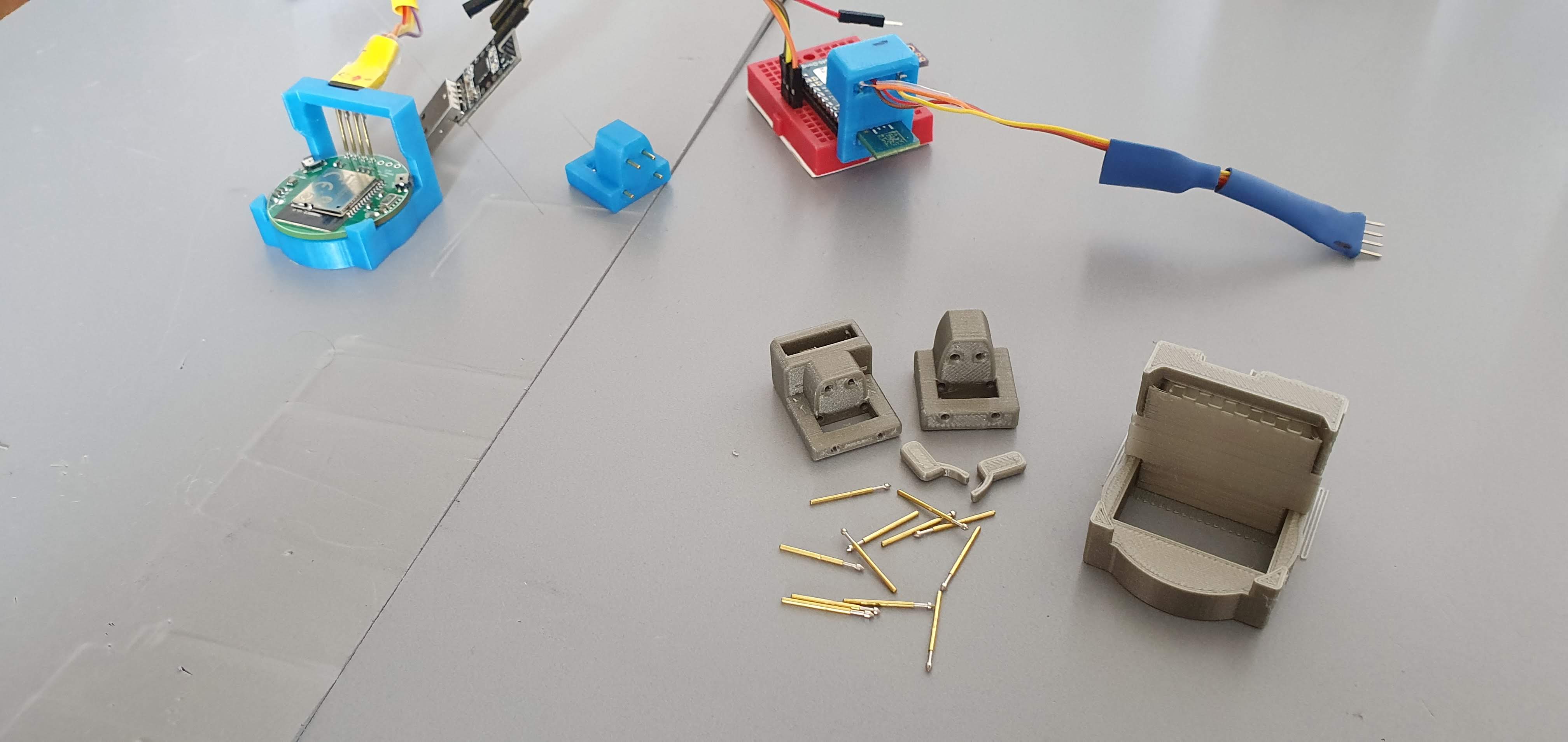
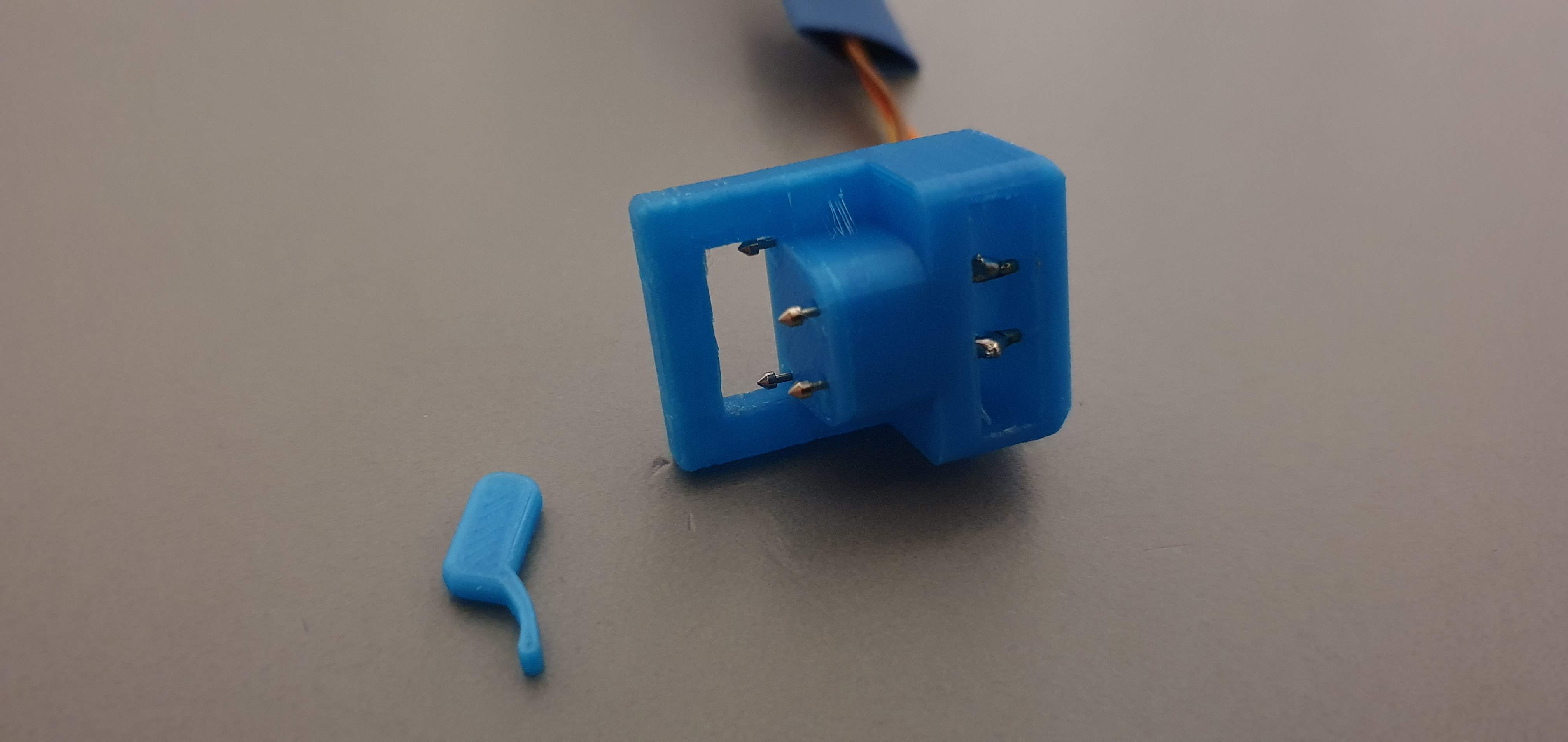
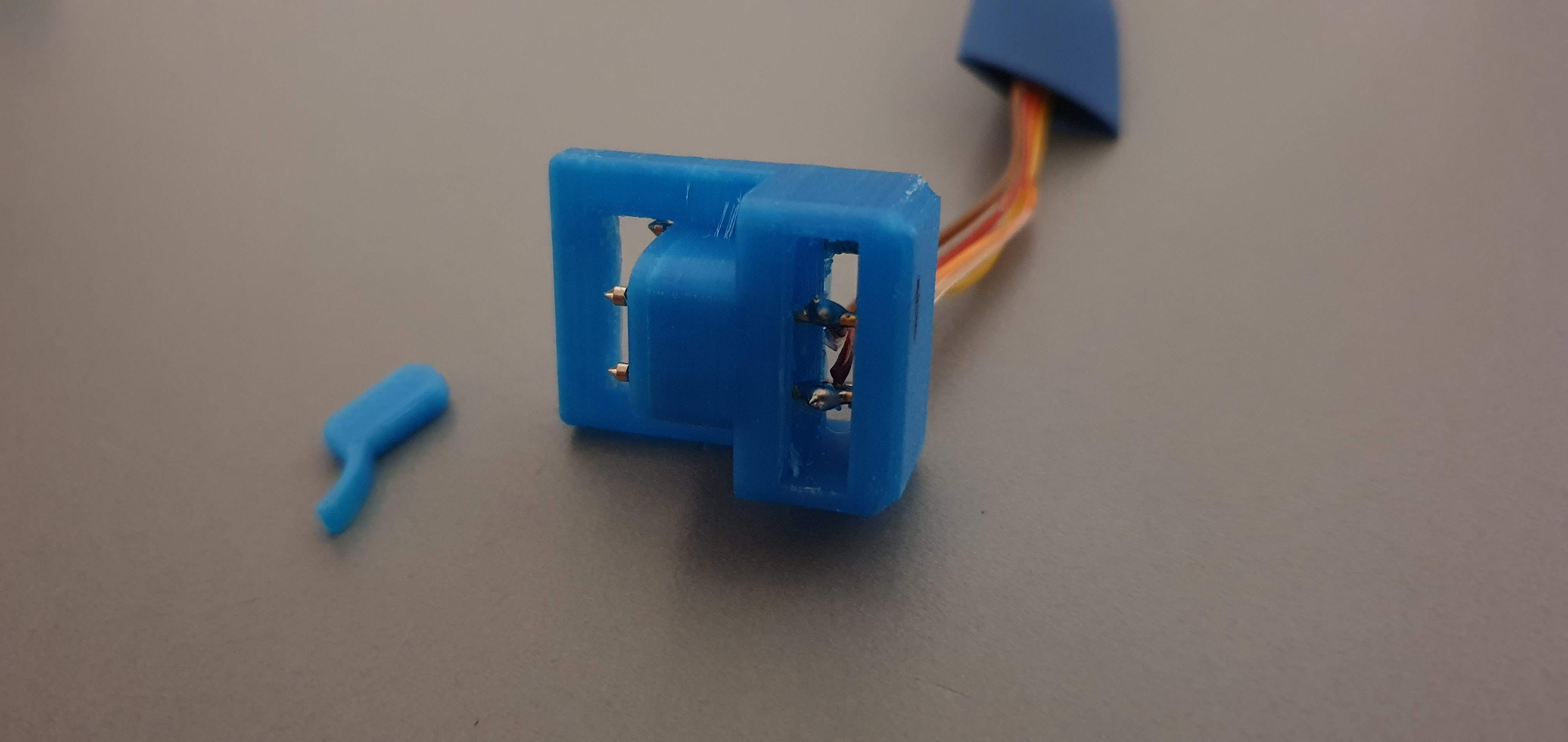
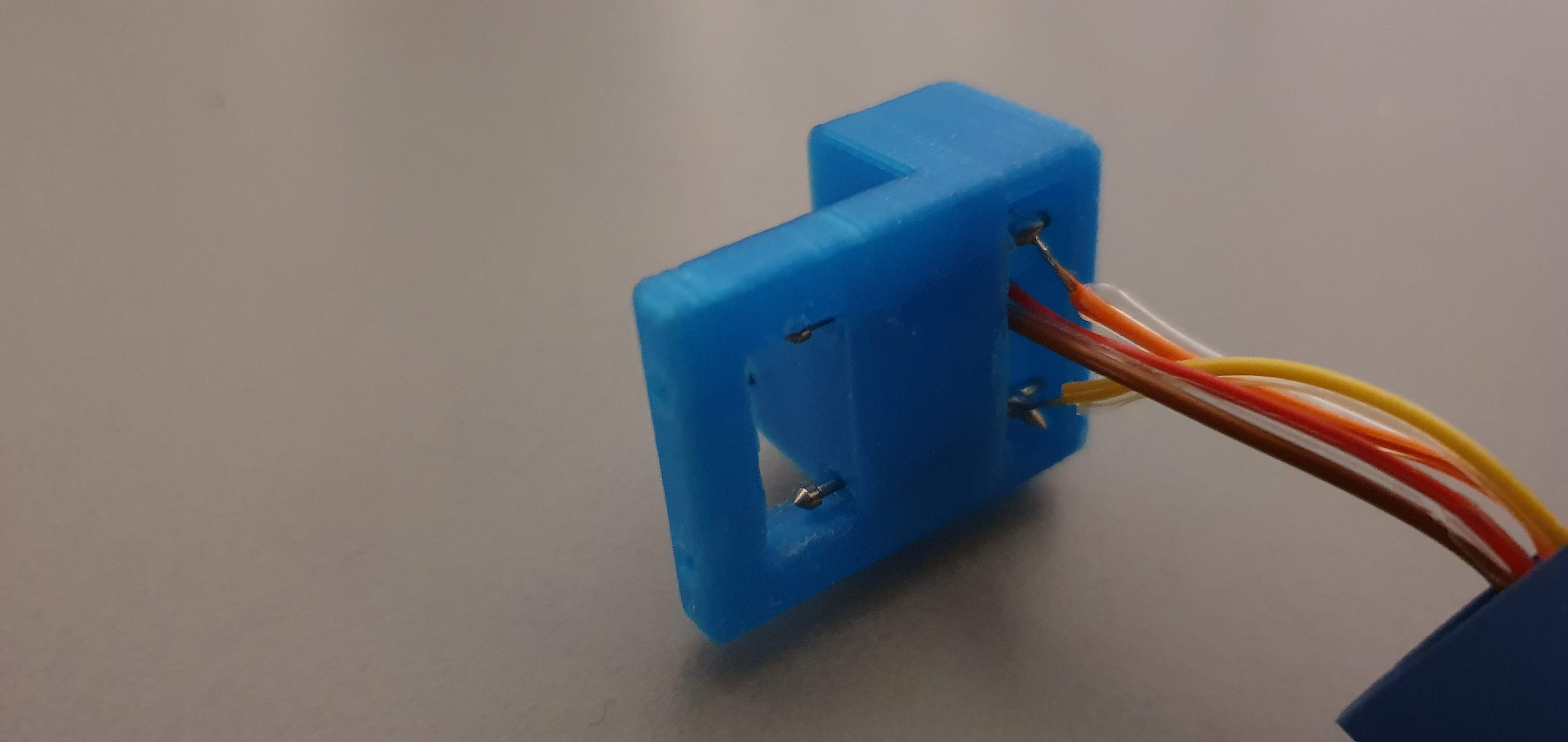
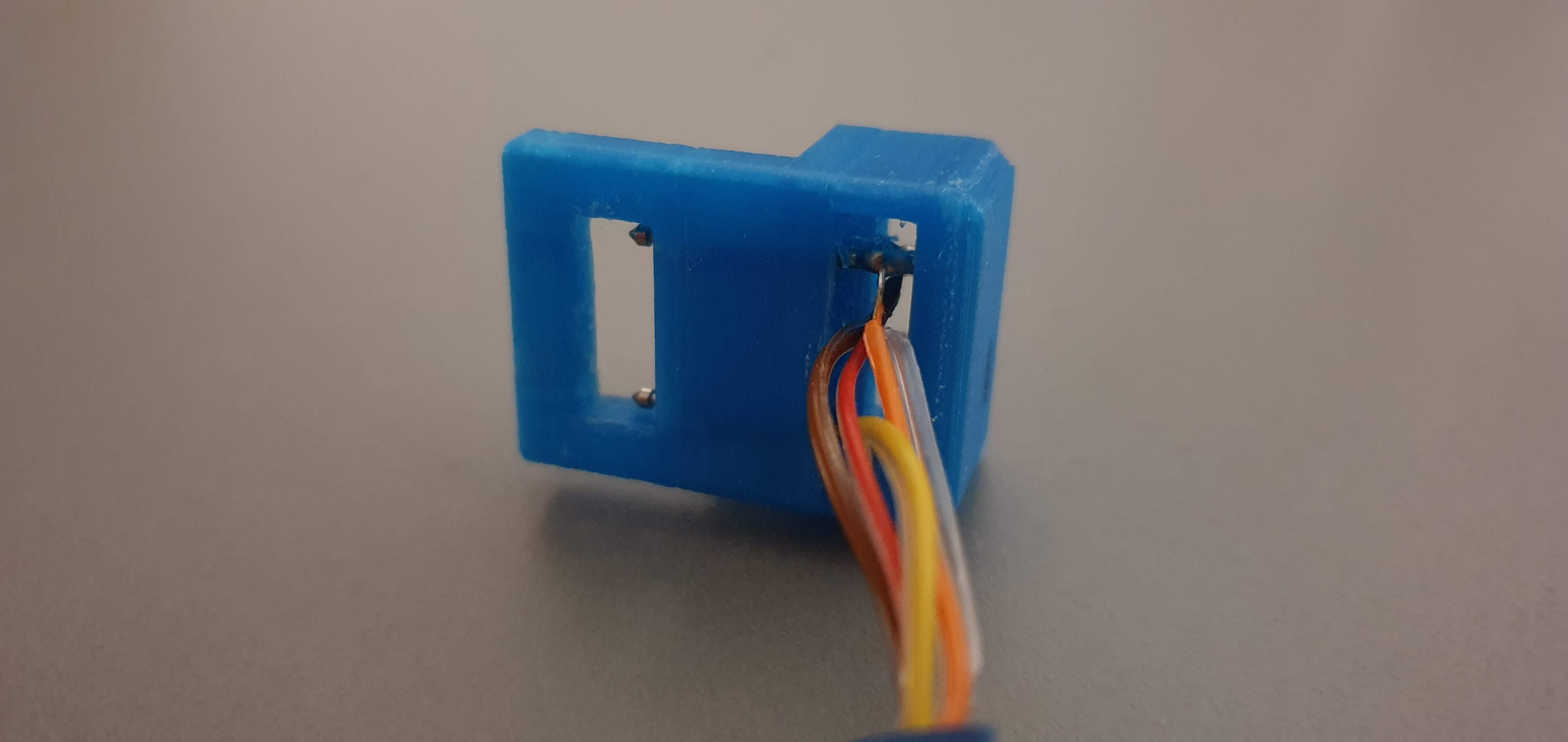
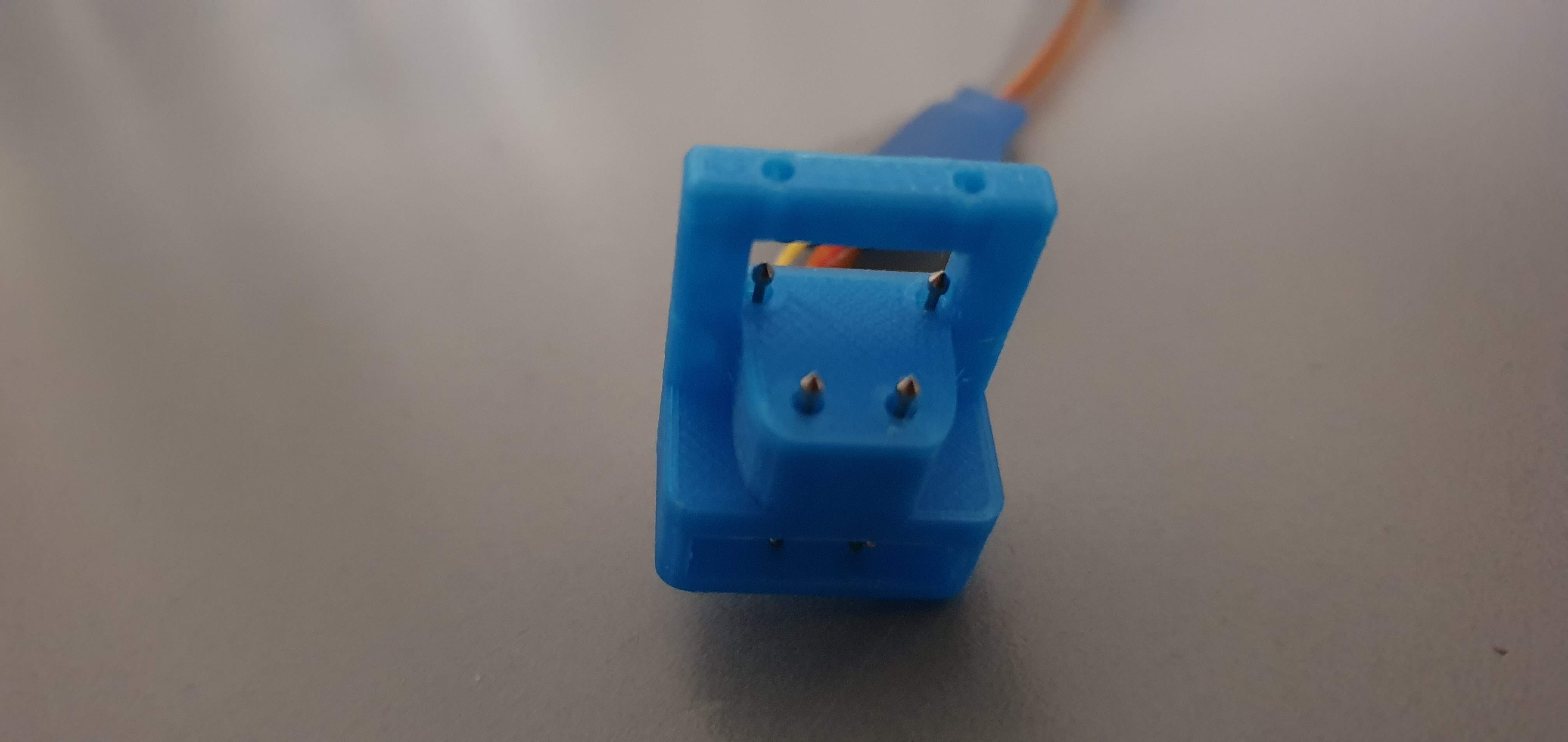
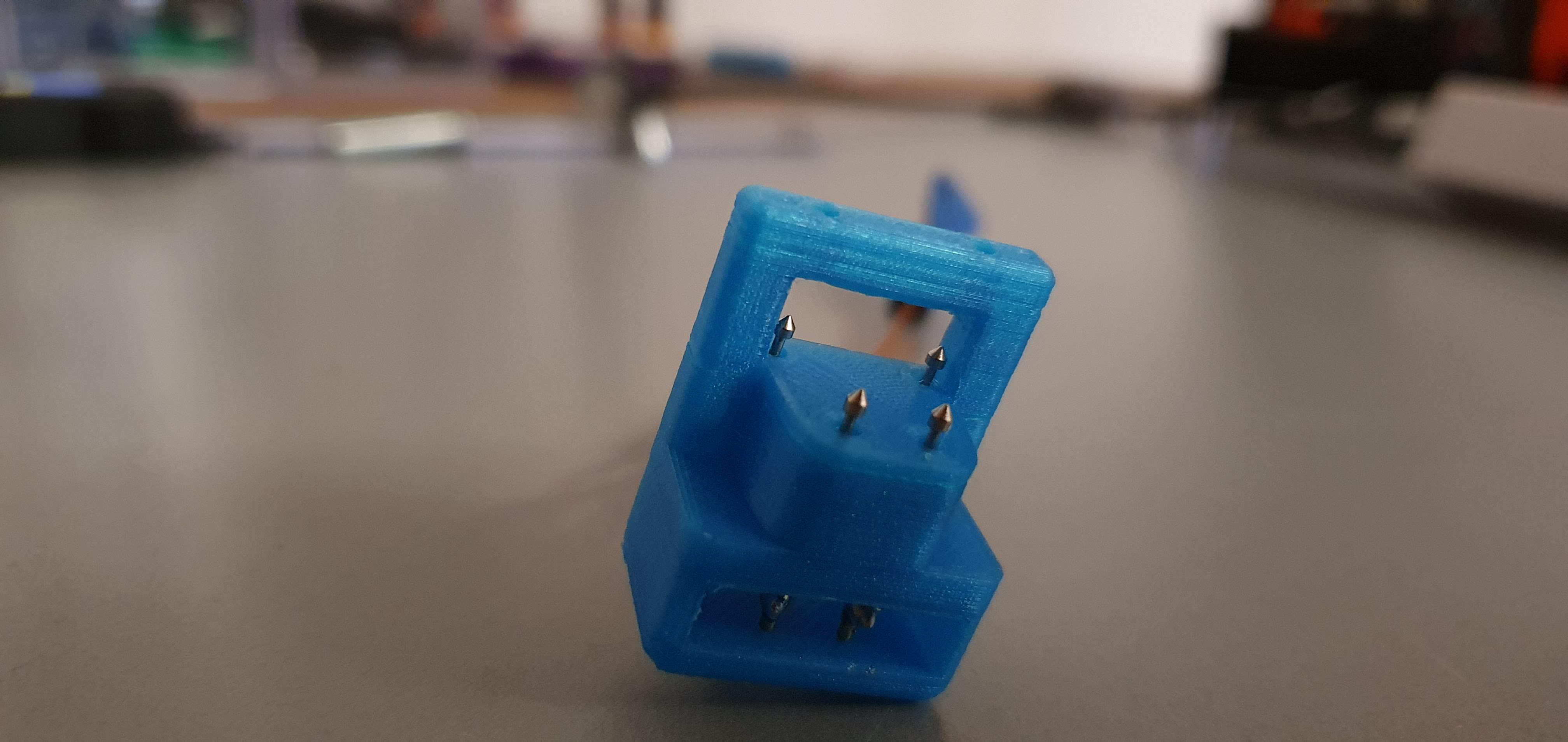
    pogo pin adapter

    • Pogo Pin P75-E2 Dia 1.3mm Length 16.5mm

    Pgogo Adapter
    STL models zip

    micro python

    build micro python

    gallery

    bootloader

    options

    • nRF SDK v16.0.0 bootloader
    • Nording nRF52840 Dongle tutorial
    • MCU boot - zephyr bootloader

    • UF2 bootloader

    recovery

    • on nRF SDK recovering the openbootloader mode would then require to reflash the MBR with any project make flash_mbr

    • without nRF SDK, download the bootloader from the nordic tutorial and rename to pca10059_bootloader.hex

    then run

    Bash
    J-Link>Power on
    cd pca10059_bootloader
    >nrfjprog -f nrf52 --eraseall
     >nrfjprog -f nrf52 --chiperase --program pca10059_bootloader.hex --verify --reset

    build for USB DFU

    on any sample from nRF Connect that supports the nrf52840dongle_nrf52840 run

    Bash
    cd nrf\v2.3.0\nrf\samples\xxx\
    >west build -p always -b nrf52840dongle_nrf52840 -- -DOVERLAY_CONFIG="overlay-usb.conf" -DDTC_OVERLAY_FILE="usb.overlay"

    USB DFU command line

    It is possible to use the nRF Connect programmer, but to perform the same with command line, you need to generate a package the flash it as follows

    Bash
    >nrfutil pkg generate --hw-version 52 --sd-req=0x00 --application build/zephyr/zephyr.hex --application-version 1 build/zephyr/zephyr.zip
    nrfutil dfu usb-serial -pkg build/zephyr/zephyr.zip -p COM8
    ← PreviousTrick TrackerNext →nRF52832 UART dongle
    On this page
    • Applications
    • nRF52840 Dongle
      • Pinout
        • Serial Wire Debug
        • LEDS
      • pogo pin adapter
      • micro python
      • gallery
    • bootloader
      • options
      • recovery
      • build for USB DFU
      • USB DFU command line
    Open page ×